1、下载安装chrome(略)
2、下载安装jatoolsPrint
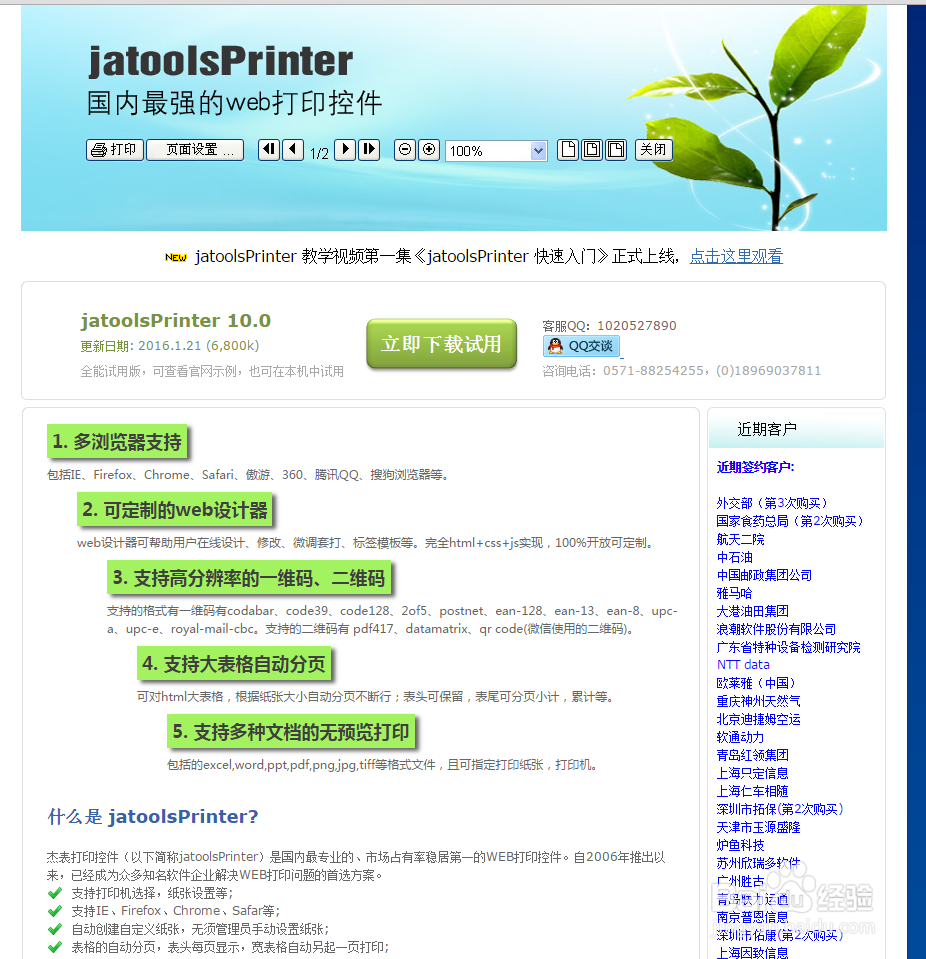
(1)下载 chrome最新试用版 (如图)
(2)解压、安装(选择可执行文件)


3、安装成功后会在桌面生成 chrome插件文件 jpmn.crx

4、在chrome 搜索栏输入 chrome://extensions/;
将jpmn.crx文件拖到chrome扩展程序页面下,如图

5、测试 :点击运行示例

1、下载安装chrome(略)
2、下载安装jatoolsPrint
(1)下载 chrome最新试用版 (如图)
(2)解压、安装(选择可执行文件)
3、安装成功后会在桌面生成 chrome插件文件 jpmn.crx
4、在chrome 搜索栏输入 chrome://extensions/;
将jpmn.crx文件拖到chrome扩展程序页面下,如图
5、测试 :点击运行示例