使用CYGWIN的gcc编译hello world

时间:2026-02-15 11:10:08

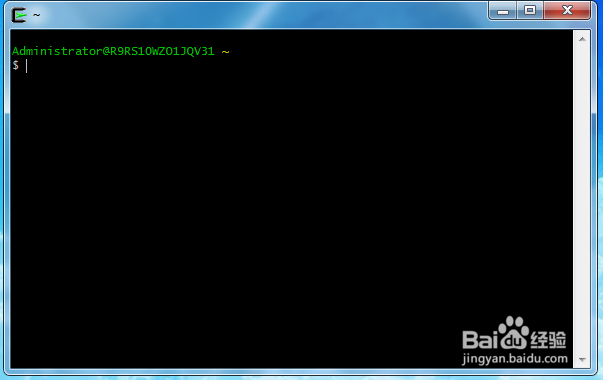
1、打开CYGWIN软件。

使用CYGWIN的gcc编译hello world

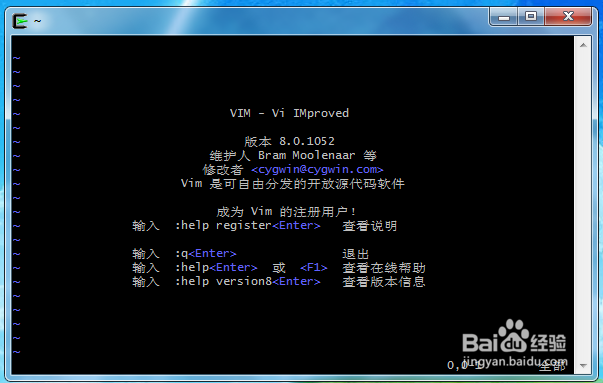
2、输入vim命令,进入文本编辑界面

使用CYGWIN的gcc编译hello world

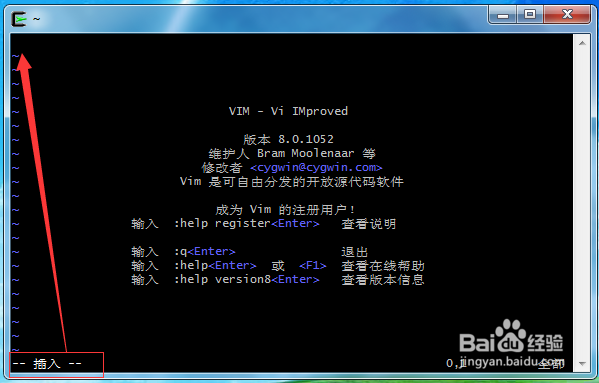
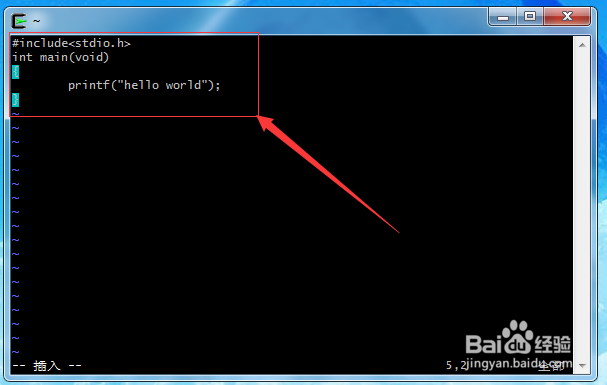
3、按键盘上的i键,进去编辑状态。

使用CYGWIN的gcc编译hello world

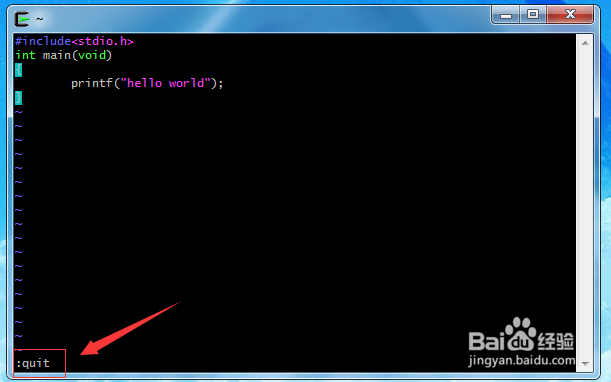
4、编写hello world程序

#include<stdio.h>

int main(void)

{

        printf("hello world");

}
使用CYGWIN的gcc编译hello world

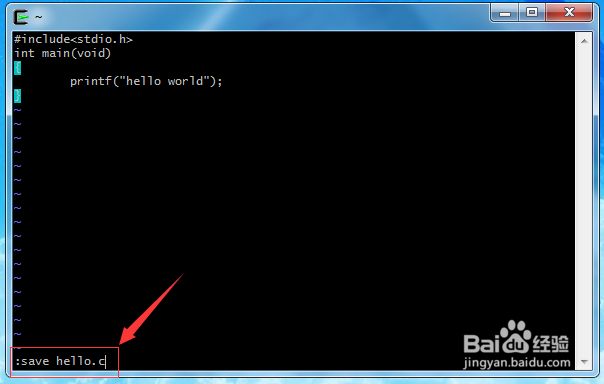
5、编写完成后,按Esc键后,再按:键,然后输入save hello.c,进行保存你编写的程序。
使用CYGWIN的gcc编译hello world

6、再按一下:键,输入quit退出编辑文本状态。

使用CYGWIN的gcc编译hello world

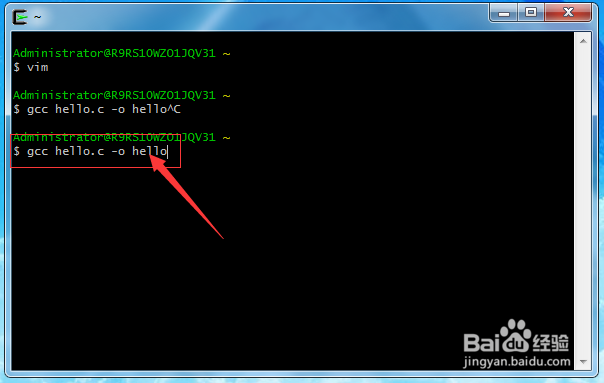
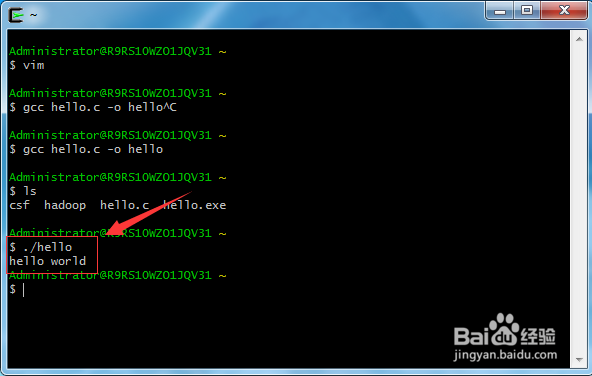
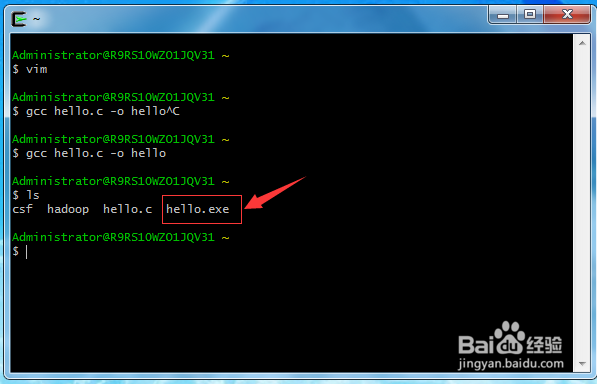
7、然后输入gcc hello.c -o hello,回车

使用CYGWIN的gcc编译hello world

8、输入ls显示文件,你会看到文件下面多了一个hello.exe,这就是编译后的结果。
使用CYGWIN的gcc编译hello world

9、输入./hello,执行编写好的程序。

使用CYGWIN的gcc编译hello world

© 2026 手抄报圈
信息来自网络 所有数据仅供参考
有疑问请联系站长 site.kefu@gmail.com